
Business continuity during an internet outage starts with knowing what has failed and what work truly needs to continue. If your business relies on cloud apps, a lost connection can interrupt email, files, customer service, scheduling, and other daily tasks. A clear plan helps staff avoid guesswork while you work toward restoring access.
The key is to distinguish an internet-provider problem from a cloud service issue, a local Wi-Fi or equipment failure, or a power outage. Those problems can look similar to employees, but they call for different responses. Your plan should also cover what people can do offline, how they will communicate, and how to handle any work completed on paper or another device.
Start by identifying what is down
Before activating a workaround, check the scope of the problem. Ask whether the issue affects one person, one office, or everyone. If only one person is affected, check their device and local connection. If people at the same site are affected, the problem may involve shared network equipment, the internet connection, or power. If users can reach other online services but one cloud app is unavailable, the app or its provider may be the issue.
Use a prepared contact method to check reports from other locations, if your business has them. A provider status page or support channel can help distinguish a cloud service outage from a local connection problem, but make sure staff know how to reach that information when the affected app is unavailable.
This diagnosis matters. A backup internet connection may help when the primary connection fails, but it will not fix a cloud app outage. Similarly, restarting a local router will not resolve a power problem affecting a wider area. Your response should fit the cause rather than defaulting to the same fix every time.
Plan a backup connection, then test it
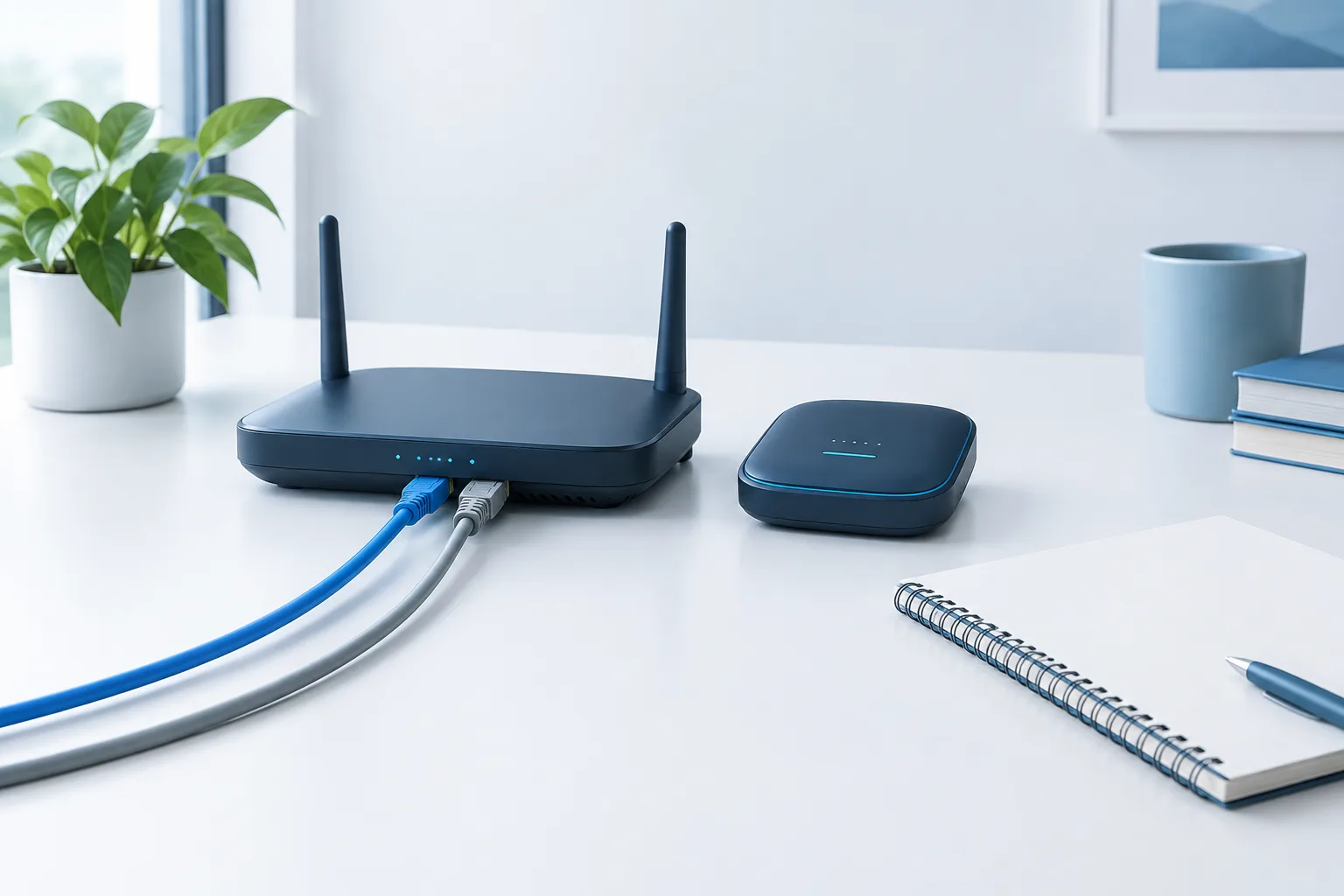
For a business internet failover plan, decide what alternate connection is appropriate for your location and essential tasks. Options might include a connection from a different provider or a cellular hotspot. Availability and performance vary by location, so check coverage and confirm that the option can support the work you expect to keep running.
Do not assume that a second service is independent just because it has a different name. Ask whether it relies on the same physical route or infrastructure as your primary connection. If both connections could be affected by the same local disruption, the backup may not provide the resilience you expect.
Document how staff should switch connections. Some network setups can fail over automatically; others require an authorized person to make a change or staff to connect to a designated hotspot. Identify who is responsible, how employees should get instructions, and what to do if the alternate connection does not work. If the backup has limited capacity, give priority to essential work rather than treating it as a full replacement.
Test the process under realistic conditions. Confirm that employees can connect, reach the apps they need, and follow the instructions without relying on a service that may be unavailable during an outage. A test can also reveal practical issues such as weak coverage in a work area or unclear staff responsibilities. For broader continuity planning, CISA’s service continuity resource guide offers additional planning material.
Know what can and cannot be done offline
Offline access to cloud apps depends on the specific app, device, settings, and files involved. Some tools may let users view or edit selected files offline and sync changes later. Others may be inaccessible without a connection. Before an outage, test the exact apps and workflows your staff use instead of relying on a general assumption that a cloud service has an offline mode.
During the test, check what information is available offline, how edits are saved, and what happens when the connection returns. Changes made in more than one place may need to be reconciled. Assign someone to review those changes and resolve conflicts before staff treat the restored records as final.
For tasks that cannot be done offline, define whether they should pause or move to an approved manual process. A simple worksheet, call log, or written queue may help staff capture essential details for later entry. Keep the manual process limited to what is necessary, store records securely, and tell employees who will enter and verify them after service returns. Follow your organization’s information-handling procedures, particularly when work involves sensitive or regulated data.
It can help to sort tasks into three practical groups:
- Continue: Work that can be completed with tested offline tools or an alternate connection.
- Record for later: Work that can be captured securely now and entered into the system after access returns.
- Pause: Work that depends on live data, approvals, or systems that are not available.
Review this list with the people who do the work. A process that seems easy to document may depend on a cloud lookup, approval, or shared file that staff cannot access during an outage.
Keep staff and customers informed
Business continuity communications should not depend on the same cloud apps that have become unavailable. Choose backup channels in advance, such as phone calls, text messages, or a designated alternate communications tool. Make sure employees know which channel is official and who is responsible for sending updates.
Prepare a short message template that explains what is affected, what staff should do, and when they can expect another update. For customers, decide who will provide status information and which contact options remain available. Avoid promising a restoration time unless you have reliable information. Clear, measured updates help prevent repeated inquiries and conflicting instructions.
Keep contact details and essential instructions available in a form staff can reach without the affected network. Access should be limited to the people who need it, and the information should be reviewed so it remains useful. If power or mobile service is also disrupted, a cloud-based backup channel may be unavailable too. Consider what battery-powered devices, printed procedures, or alternate meeting arrangements are practical for your business, and identify who can authorize their use.
Restore access carefully and reconcile work
When the connection returns, do not assume every device or app is immediately back to normal. Confirm that the network is stable, check access to the essential cloud services, and ask staff to report unresolved problems. If the service interruption was with a cloud provider rather than your connection, wait for confirmation that the app is available before resuming dependent work.
Review offline changes and manual records before entering them into shared systems. Assign responsibility for checking duplicate entries, conflicting edits, and work that may have been completed by another person. Make sure staff know when normal procedures have resumed so they do not continue using an outdated workaround.
For continuity planning beyond connectivity, NIST’s contingency planning guide can help inform how you document responsibilities, recovery steps, and testing. If cloud data protection is also part of your review, see this guide to testing a Microsoft 365 or Google Workspace restore. Backup and recovery planning addresses a different risk than an internet connection failure, but both can matter to continuity.
Make the plan usable
A plan is only useful if people can follow it under pressure. Keep instructions concise and assign clear owners for diagnosing the issue, activating alternate connectivity, communicating updates, and reconciling work. Include contact methods that remain available if email or messaging apps are down.
Run a practical exercise with staff. Simulate a lost connection, ask people to follow the instructions, and note where they hesitate or need access to unavailable information. Test the backup connection and offline workflows, not just the written plan. Update the procedures when systems, staff responsibilities, or business processes change. Ready.gov’s business power outage toolkit may also help you consider how connectivity plans fit into wider power-related disruptions.
Frequently asked questions
How can a business keep operating when the internet goes down?
First identify whether the issue affects one user, the local network, the provider, or a cloud app. Then use a tested backup connection if it addresses the cause, continue approved offline work, and communicate through an alternate channel.
What is the best backup internet connection for a business?
There is no single option that suits every site. Compare available providers and technologies, check whether the alternate connection shares infrastructure with the primary one, and test whether it supports your priority tasks.
Can employees use cloud apps offline?
Some apps and files may support offline access, while others require a live connection. Test the specific workflows your staff use, including how changes sync and how conflicts are handled when service returns.
How should a company test its internet outage plan?
Simulate a connection loss and have staff follow the documented steps. Check the alternate connection, offline tasks, communication channels, responsibilities, and process for reviewing manual records or synced changes.
Keep work moving with a tested plan
A dependable response does not require every task to continue as usual. It requires knowing what failed, protecting essential work, keeping people informed, and restoring normal processes in an orderly way. Zevonix provides around-the-clock monitoring and 24/7 help desk support for businesses across the United States. To discuss your continuity needs, call (904) 658-0777.